AI tools are moving fast inside design workflows. Here is what product teams actually need to know.
Introduction
Every design tool your team uses is being rebuilt around AI. Figma, Framer, Adobe, Maze, Uizard — the list of platforms adding AI capability grows every month. Some of it is genuinely useful. Some of it is noise.
For product teams, the question is not whether AI is changing UI/UX design. It clearly is. The question is what specifically is changing, what it means for how products get built, and where human design judgment still matters more than any tool.
What AI Is Actually Doing Inside Design Workflows
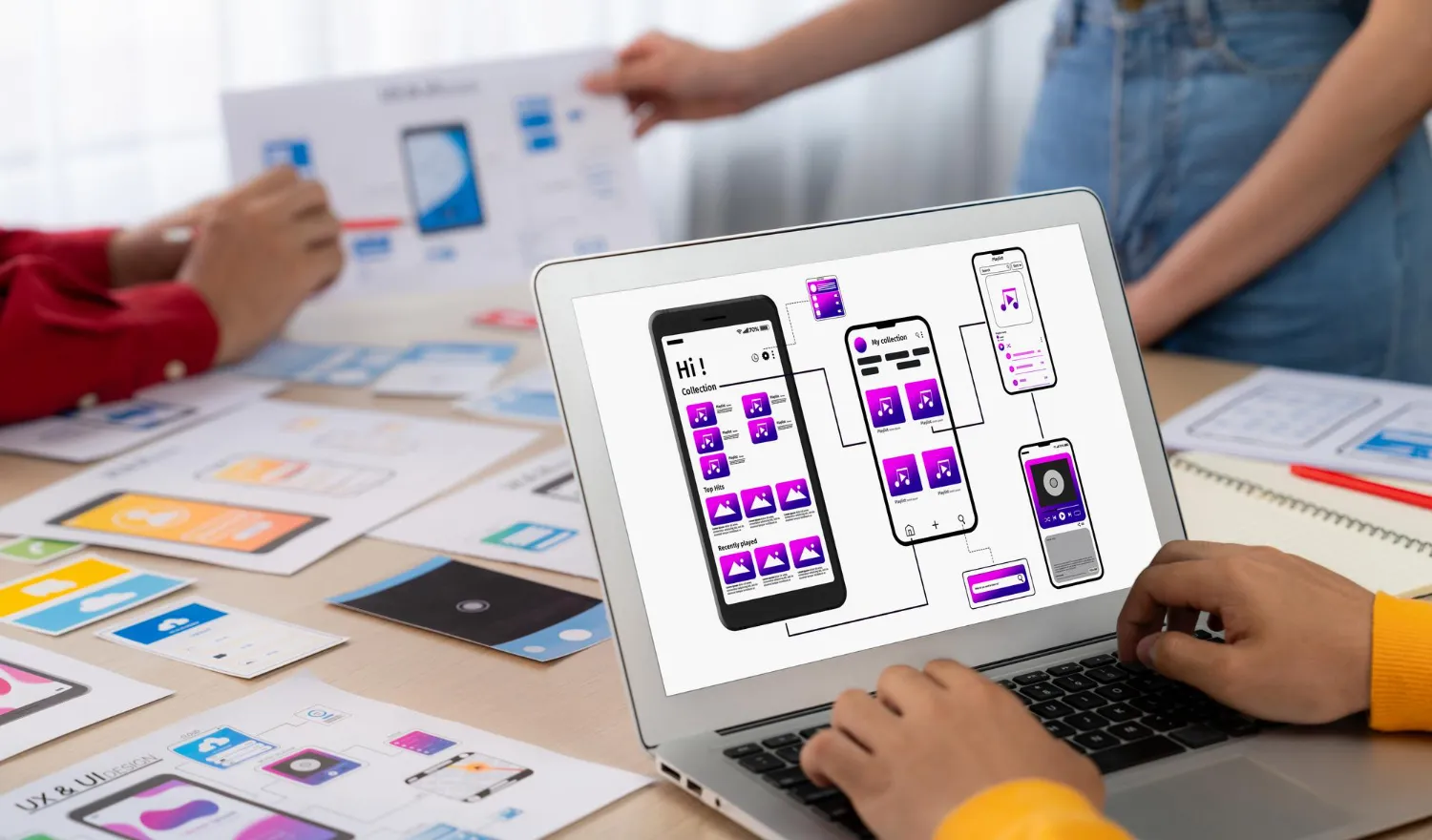
AI is making specific parts of the UI/UX design process significantly faster. Wireframe generation from text prompts, automated user flow mapping, AI-assisted component libraries, and generative layout suggestions are all reducing the time between a brief and a working prototype.
User research is also changing. AI tools can now synthesize large volumes of user feedback, identify patterns in session recordings, and surface usability issues that would previously have taken a researcher days to find. What took a week of analysis can now take hours.
For product teams, this means faster iteration cycles, lower prototyping costs, and quicker access to user insight. The speed advantage is real.
What AI Cannot Replace in UX Design
Speed is not the same as quality. This is the distinction that matters most for product teams evaluating how much of their design process to hand to AI tools.
AI can generate a layout. It cannot decide whether that layout serves the specific mental model of your specific user in your specific context. AI can surface patterns in user feedback. It cannot make the judgment call about which pattern to prioritize given your product strategy, your technical constraints, and your business goals.
The parts of UX design that determine whether a product succeeds or fails — defining the right problem, understanding user motivation, making strategic design decisions under ambiguity — remain human work. AI makes the execution faster. It does not replace the thinking.
"AI is compressing the time between a design decision and a testable prototype. The quality of the decision still depends entirely on the designer making it."
How Product Teams Should Be Responding
The product teams getting the most value from AI design tools are not the ones replacing designers with prompts. They are the ones using AI to remove low-value work from their designers' days so that more time goes to the work that requires genuine expertise.
What this looks like in practice:
Using AI to generate initial wireframe options for rapid exploration
Using AI research tools to synthesize user feedback at scale
Using generative tools to build and test component variations faster
Keeping human designers in charge of information architecture, user journey design, and final design decisions
Using AI to accelerate handoff documentation and design system maintenance
The teams that treat AI as a production tool rather than a creative replacement are the ones building better products faster.
The Risk Product Teams Are Not Talking About
There is a less-discussed downside to AI-accelerated design that product teams should be aware of. When wireframes and prototypes can be generated in minutes, there is a growing temptation to skip the research and strategy work that should come before them.
Fast prototypes built on shallow user understanding still fail. They just fail faster and more expensively than before because the team has moved further down the build path before discovering the problem.
AI tools amplify the quality of the thinking that goes into them. Good strategy plus AI produces great results quickly. Poor strategy plus AI produces poor results quickly. The investment in understanding users before designing for them has not decreased. If anything it has become more important.
What Changes and What Does Not
AI is making UI/UX design faster, more iterative, and more data-informed. For product teams, this is genuinely good news if it is used to strengthen the design process rather than shortcut it.
The fundamentals of great product design have not changed. Understanding your users, defining the right problems, and making clear design decisions that serve real human needs remain the difference between products that work and products that ship and get ignored.
AI accelerates the path from decision to prototype. The quality of the decision is still yours to make.
Frequently Asked Questions
Will AI Replace UI/UX Designers?
No. AI is automating specific tasks within the design process — wireframe generation, pattern recognition, component suggestions — but the strategic and research-led work that determines whether a product actually works for its users remains human work. Designers who understand how to use AI tools effectively will be significantly more productive, not redundant.
What Are the Best AI Tools for UI/UX Design in 2026?
The most widely used AI-integrated design tools currently include Figma with its AI features, Framer for AI-assisted web and app design, Uizard for rapid wireframing from prompts, and Maze for AI-powered user research synthesis. The right tool depends on your team's workflow and the stage of design you are working on.
How Is AI Changing User Research in Product Design?
AI tools can now analyze large volumes of user interviews, session recordings, and feedback data significantly faster than manual analysis. This makes continuous user research more practical for teams that previously could not afford the time it required. The interpretation of that research and the decisions made from it remain the responsibility of experienced UX researchers and designers.